
Nations Online
All Countries in the World
Nations Online All Countries in the World | |
 |
Home  Earth Continents Asia Turkey Country Profile
Google Earth Ankara Map Earth Continents Asia Turkey Country Profile
Google Earth Ankara Map  |
___ Satellite View of Ankara, Turkey |
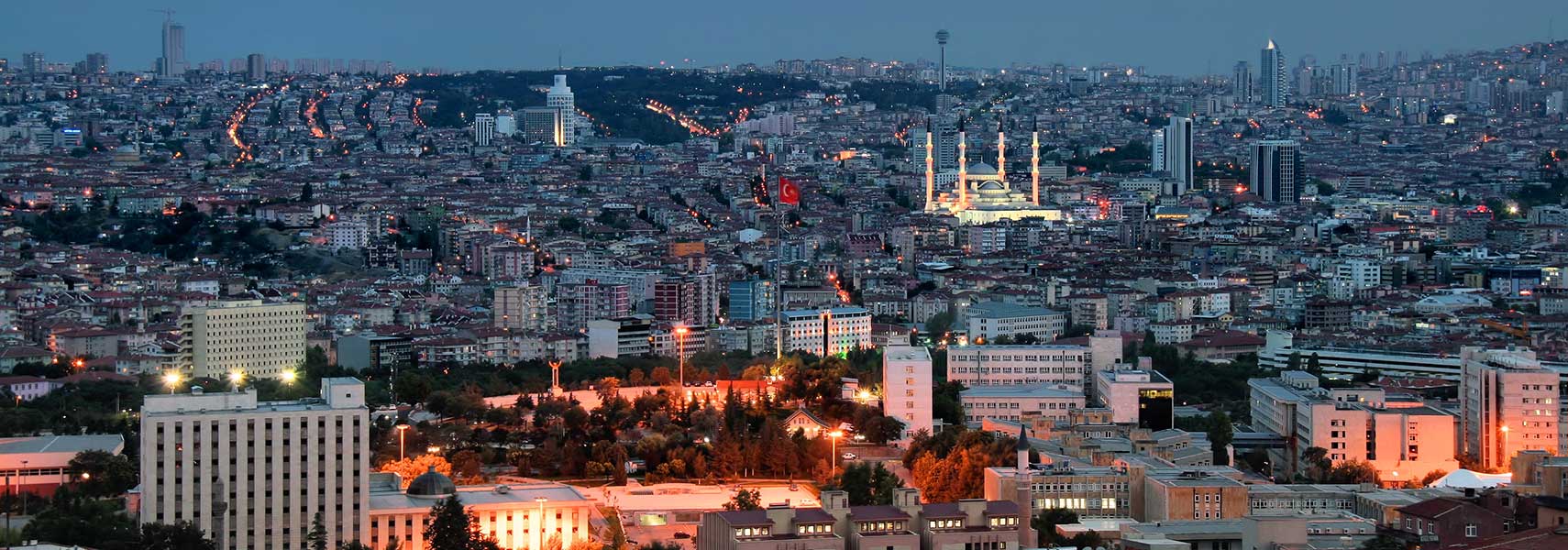 Night view panorama of Ankara. Image: Jorge Franganillo |
About Ankara Turkey. Turkey.The city is located 450 km (280 mi) south east of Istanbul in the central Anatolia region on the eastern edge of the Anatolian Plateau at an altitude of 800-978 m. The Anatolian Plateau is a region on the Turkish peninsula of Asia Minor in Western Asia. The peninsula forms the greater part of Asian Turkey, between the Mediterranean Sea in south, the Aegean Sea in west and the Black Sea in north. 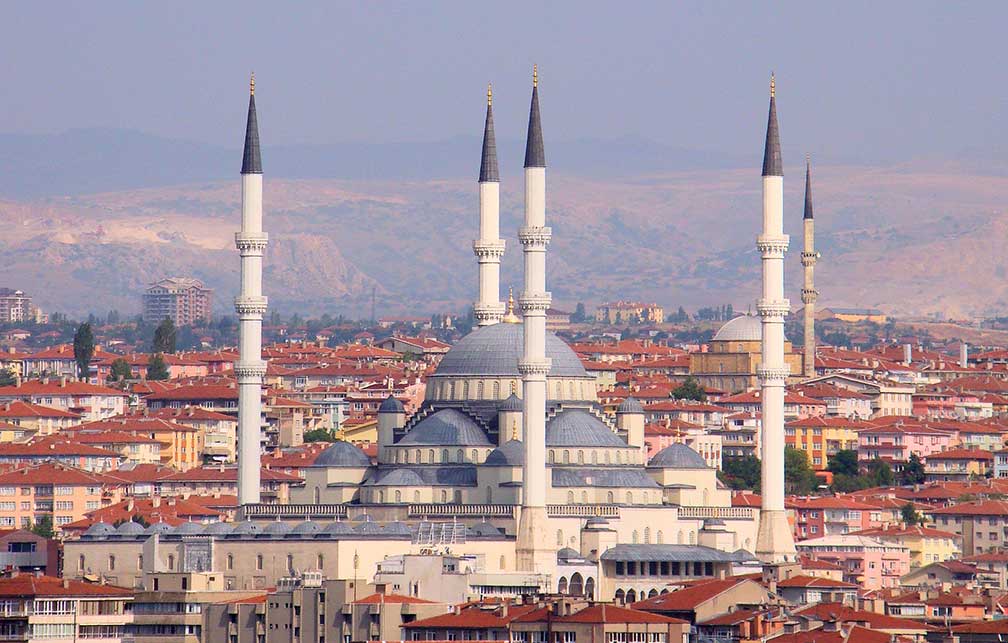 Kocatepe Camii (Kocatepe mosque) in central Ankara was built between 1967 and 1987. The mosque can accommodate 24,000 worshipers and is an example of modern Islamic architecture. Image: Bjørn Christian Tørrissen Today Ankara is a major commercial and industrial city and the center of political power in Turkey, the administrative and political core of the country and the seat of the Turkish Government. Turkey's capital has a population of about 4.5 million inhabitants (in 2015), 5.3 million people live in Ankara province (2016). Official language is Turkish. Ankara is connected by high-speed railway with the cities of Konya and Istanbul. Esenboğa is since 1955 the international airport of the capital. Ankara points of interest: 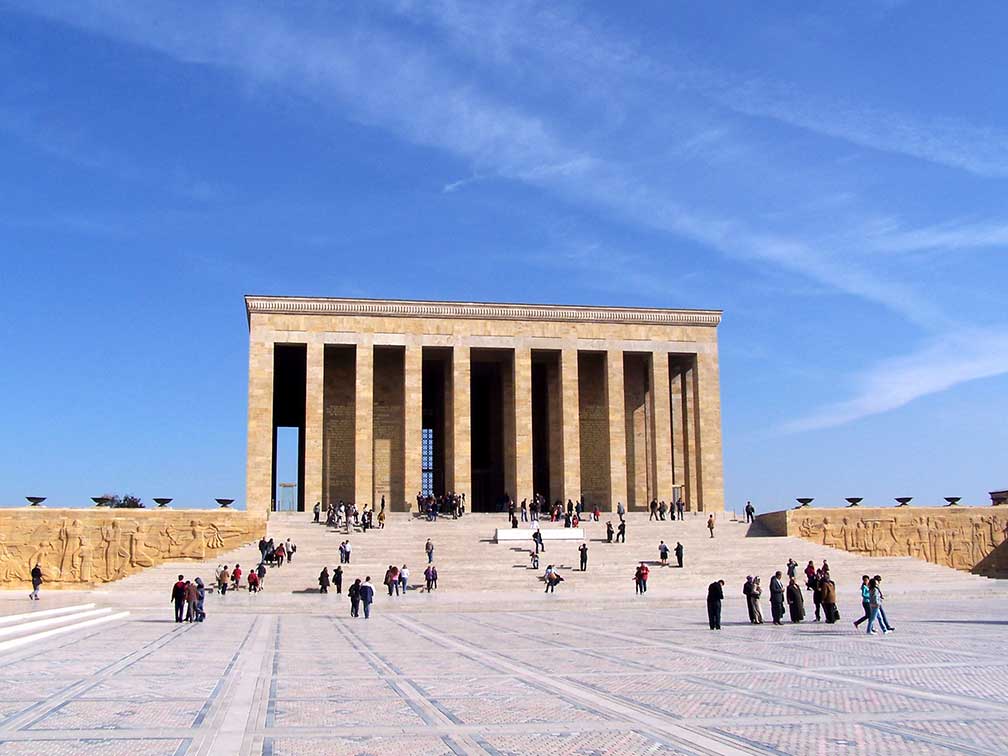 The mausoleum of Mustafa Kemal Atatürk, the founder and first president of the Republic of Turkey. The building complex is known as the Anıtkabir (memorial tomb), it is situated in Ankara. An adjacent museum houses a wax statue of Atatürk. Image: Darwinek Atakule, 125 m high observation and communications tower. Mosques: Sultan Alaeddin Mosque, the oldest mosque in Ankara, built at the end of the 12th century, located in Altindag. Haci Bayram Mosque (Haci Bayram Camii) built in the 15th century, and Hacı Bayram Mausoleum in Ankara's Ulus quarter, it is the last resting-place of Haji Bayram Wali, a Turkish poet, mystic, Sufi, and the founder of the Bayrami Sufi order. Kocatepe Mosque, the largest mosque in the city. Museums: Anatolian Museum of Civilization, Anatolian archeology exhibits in an old bazaar building shows relics of past epochs from the Neolithic, Early Bronze, Assyrian, Hittite, Phrygian, Urartian, Greek, Hellenistic, Roman, Byzantine, Seljuq and Ottoman periods. War of Independence Museum, the museum within the first Grand National Assembly of Turkey, displays photos, documents and furnitures related to the Turkish War of Independence (1919–1922). State Art and Sculpture Museum, a collection of works of artists who played an important role in the development of Turkish painting and sculpture. Ethnography Museum, is a museum for Turkish culture and traditions from the Seljuk era until today. Performing arts: Ankara Opera House, home of the the Turkish State Opera and Ballet. Leyla Gencer Sahnesi, operetta and musical venue in Ostim. Shopping: ANKAmall (Alisveris Merkezi) largest shopping mall in the city. Eski Ankara, the old city surrounding Ankara Castle bristles with market stalls, antique shops, rug sellers, coffee houses and bar/restaurants. Parks: Altınpark, former golf course in Altındağ district was transformed into a public park. Göksu Park, public park with a lake in Etimesgut. Dikmen Vadisi, recreation area south of Kocatepe Mosque. Atatürk Forest Farm and Zoo, park with a zoo, several small working farms, greenhouses, restaurants, a dairy farm and a brewery. Lakes: Lake Eymir and Lake Mogan, two small lakes in Ankara Province. Sports: Karapürçek square, Altındağ is the location of Ankara's annual oil-wrestling tournament, oil-wrestling is considered to be Turkey's national sport. Mayıs Stadium, home venue of Ankara's Süper Lig football club Gençlerbirliği. Aktepe Stadium, multi-use stadium and home venue of Ankaraspor. Just zoom in (+) to see the Grand National Assembly of Turkey, the Turkish parliament. The Map shows a city map of Ankara with expressways, main roads and streets, Esenboğa International Airport (IATA Code: ESB) is located in west. To find a location use the form below. To view just the map, click on the "Map" button. |
|
| To find a location type: street or place, city, optional: state, country. |
Local Time Ankara:
Saturday-April-27 06:41
Standard time zone: Eastern European Time (EET) UTC/GMT +2 hoursDaylight saving time in use from end of March until end of October, time zone offset: UTC/GMT +3 hours |
|
φ Latitude, λ Longitude (of Map center; move the map to see coordinates): , |
||||||
| Sorry! Google's pricing policy has made it impossible for us to continue showing Google Maps. We apologize for any inconvenience. Google Map: Searchable map/satellite view of the city of Ankara, Republic of Turkey. City Coordinates: 39°52′N 32°52′E |
Bookmark/share this page
|
|||||
| More about Turkey: Landmarks: Hagia Sophia Basilica and Sultanahmet Mosque Mount AraratSatellite view and information about Mount Ararat, highest mountain in Turkey. Cities: Searchable map/satellite view of Istanbul Most populated cities of the worldCountry: Searchable map/satellite view of Turkey Political Map of Turkey Turkey Country ProfileContinents: Map of Western Asia and the Middle East Map of Central and Eastern Europe Map of Europe |
Weather Conditions Ankara:
External Links: Ankara (official website) Ankara Municipality (official website) Hurriyet Daily News National and international news. Wikipedia: Ankara Wikipedia entry Ankara |
Explore more:
Related Consumer Information:
|
||||
| Searchable Maps of Cities in the Middle East Region: Abu Dhabi | Aden | Alexandria | Amman | Ankara | Baghdad | Baku | Beirut | Damascus | Doha | Dubai (City) Jerusalem | Kuwait (City) | Luxor | Manama | Mecca | Muscat | Nazareth | Nicosia | Port Said | Riyadh Sanaa | Sharm el-Sheikh | Suez | Tehran | Tel Aviv |
||||||
Map Help [ show ] |
||||||
One World - Nations Online .:. let's care for this planet Promote that every nation assumes responsibility for our world. Nations Online Project is made to improve cross-cultural understanding and global awareness. More signal - less NOISE |
Site Map
| Information Sources | Disclaimer | Copyright © 1998-2023 :: nationsonline.org      |


